ForgePix turns a focus series into a clean, sharp macro photo — automatically, on your own computer, with no account.
Drop your photos in and press one button: it removes the bad shots, lines the rest up and builds one sharp image. Free and open source.
Also includes a full astro workflow — calibration, star colours, plate solving, photometry — plus Moon mosaics and long‑exposure effects.
What ForgePix does for you
You take the photos — ForgePix turns them into one clean, sharp result. In plain words:
Lots of photos that are each only sharp in places become one photo that’s sharp everywhere.
Shaky or useless photos are removed automatically — and it tells you why.
A simple helper works out how many photos you actually need. No guessing.
Turn a quick burst into smooth water or light trails — without an expensive filter.
Night‑sky shots and tiny‑detail shots — both in the same easy app.
Everything runs on your own machine. Nothing is uploaded. No account, no AI required.
How it works
Four simple steps — and you can see what happens at each one.
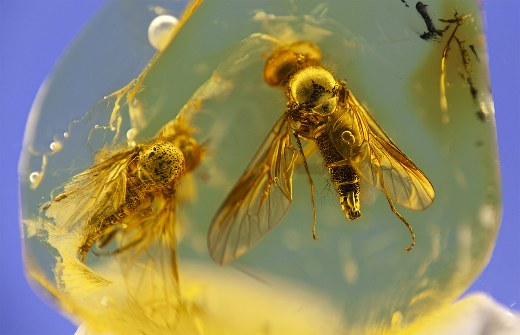
A few shots, each sharp only in places.
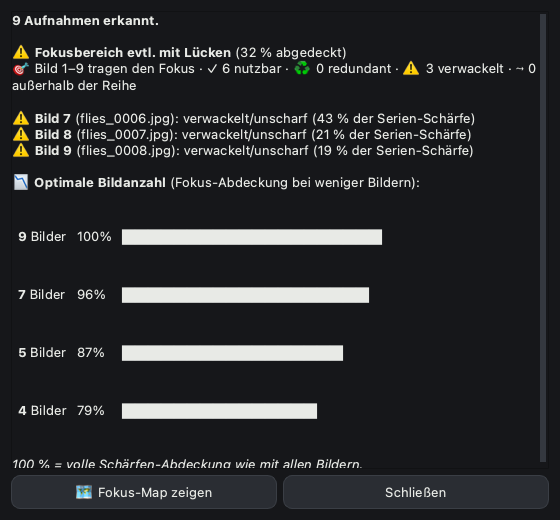
Bad photos removed, the rest lined up.
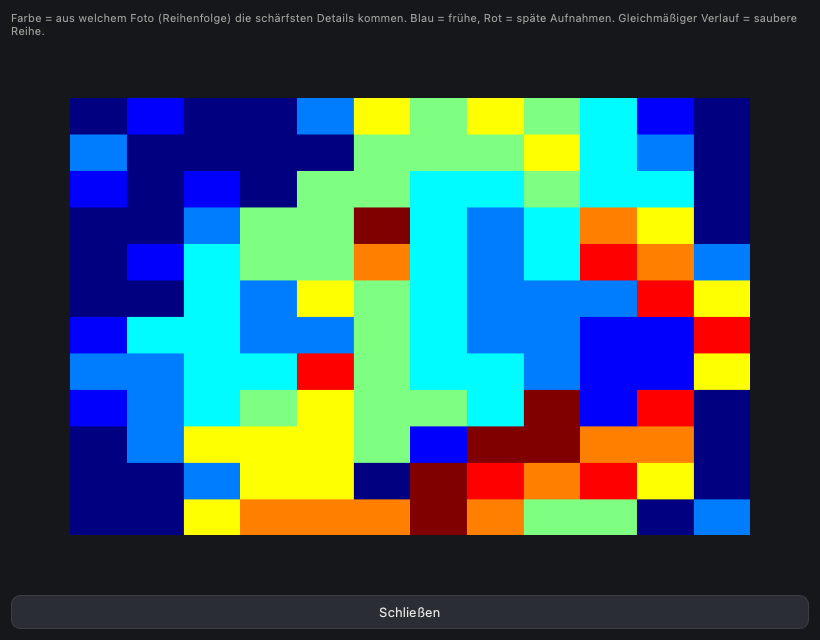
Takes the sharp part from each photo.
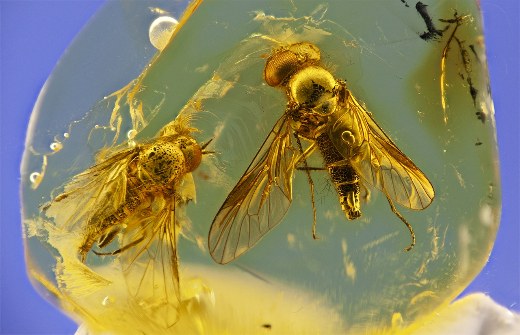
Sharp everywhere, ready to use.
Four tools in one app
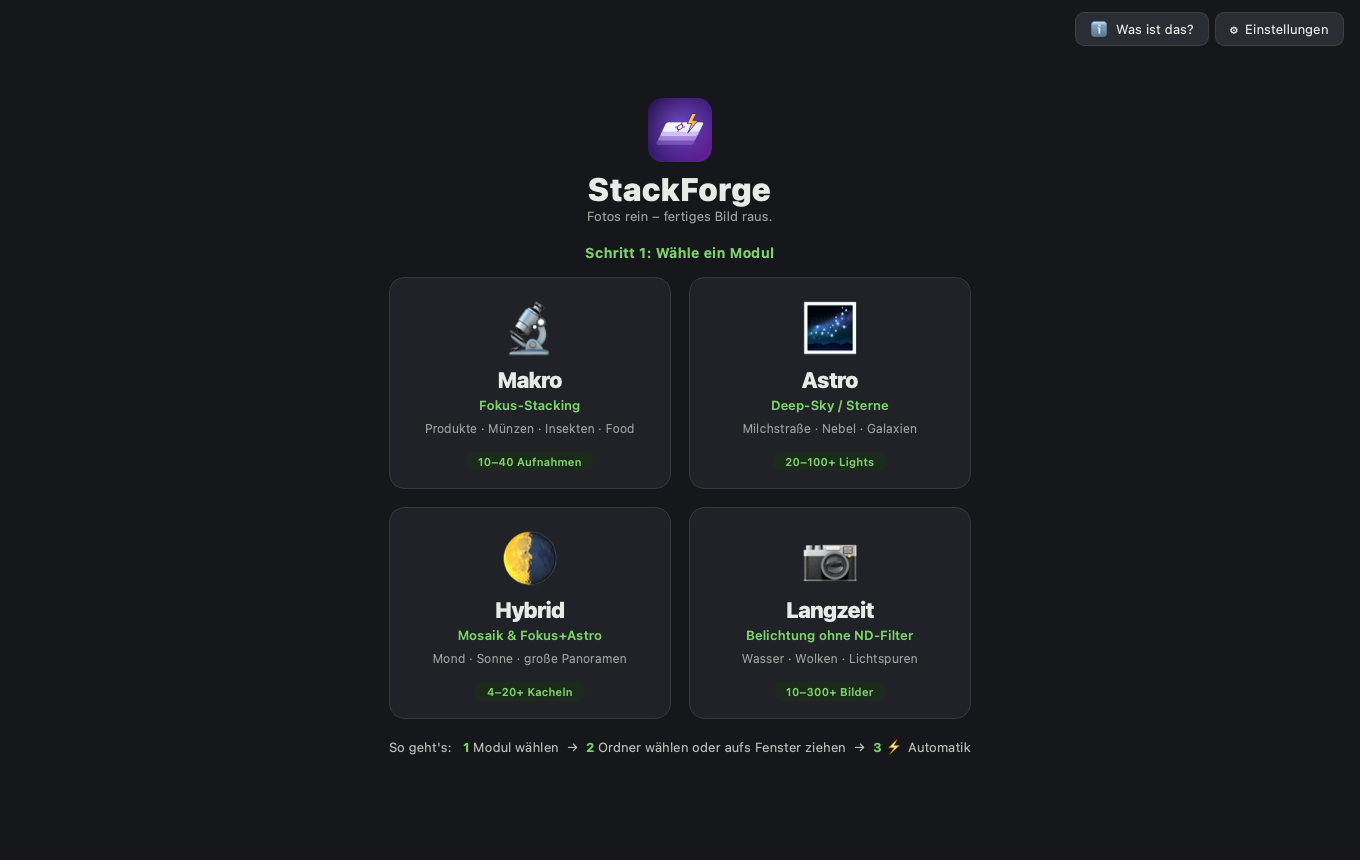
Choose when you open the app — switch any time.
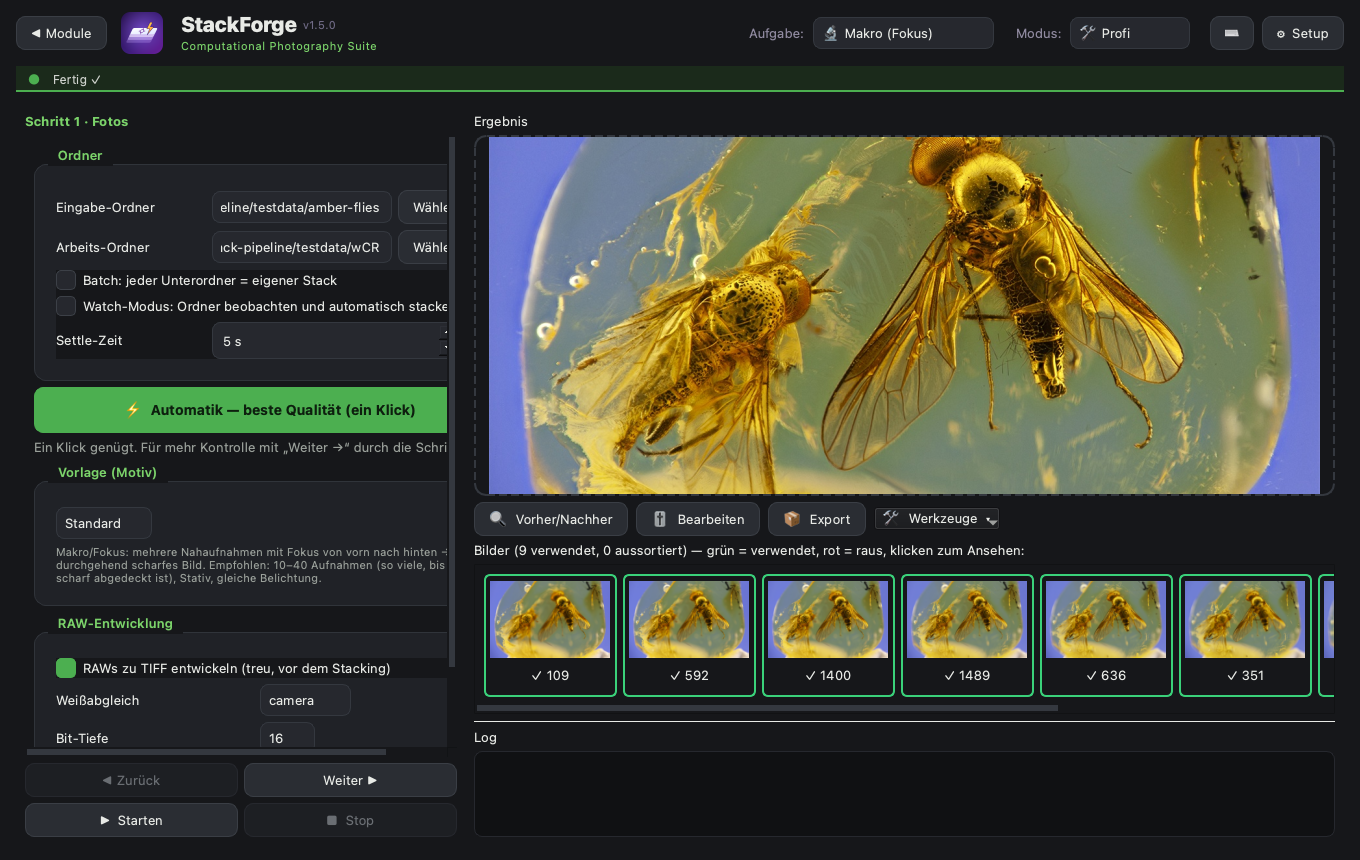
Razor‑sharp photos of small things — products, coins, food, jewellery, insects. ForgePix combines your shots so the whole subject is in focus.
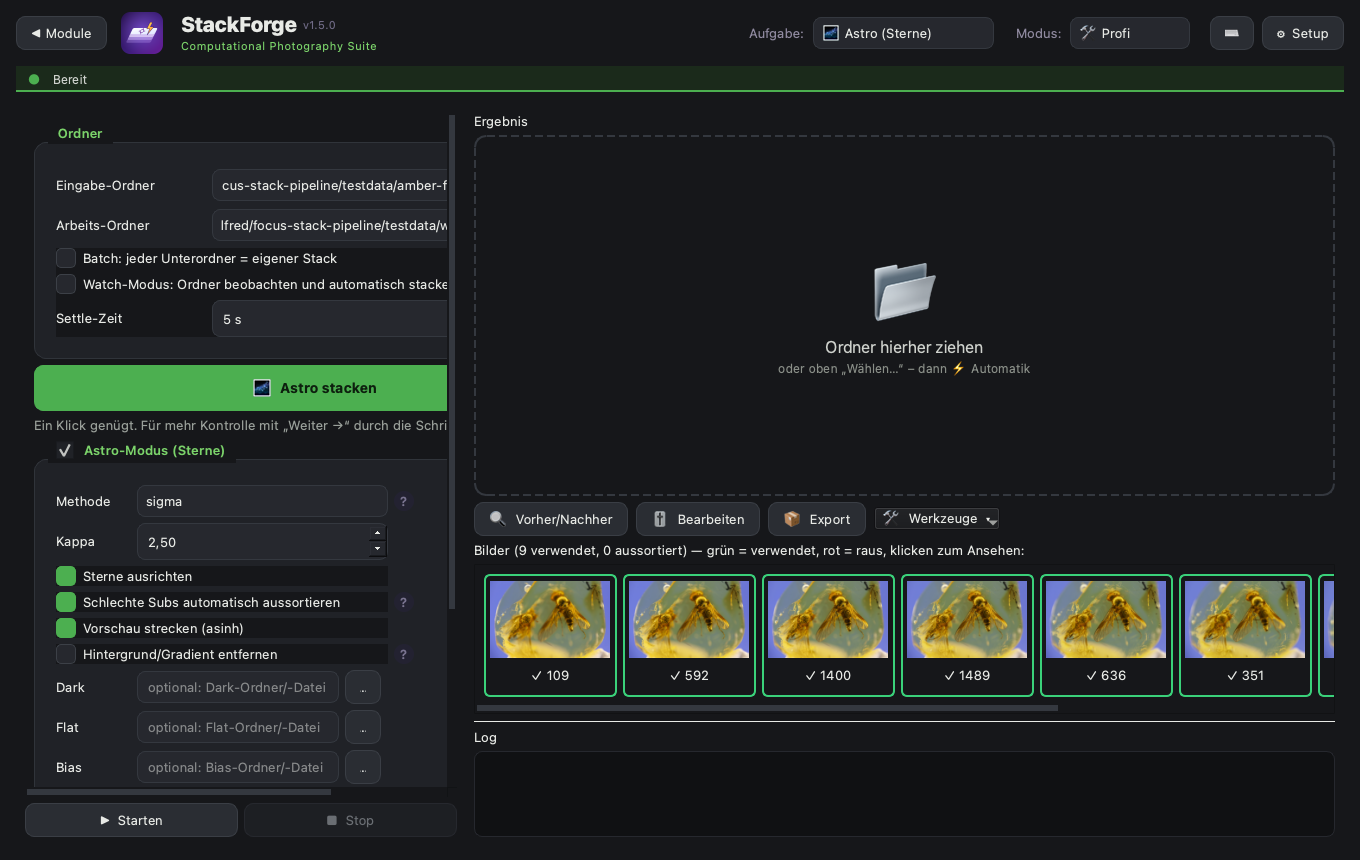
Combine many star photos into one clean night‑sky image with less noise. Darks and flats are applied, photos spoiled by clouds or a passing satellite are dropped, and you get a report on what to improve next time.
Stitch several shots of the Moon or Sun into one big, detailed picture — or combine frames for extra clarity.
Silky water, soft clouds or light trails — made from a normal burst of photos. No tripod tricks, no special filter needed.
For astrophotographers
From raw FITS files to a measured, calibrated result — on your own computer, without Siril or PixInsight installed.
Darks, flats and bias frames. A master dark taken at a different temperature or exposure time is rescaled to match, and a superbias removes read noise from the bias.
Plate solving runs on your computer — no internet, no external solver — for image fields from about one arcminute to five degrees across.
Colours are calibrated against the known colours of catalogue stars (Gaia), instead of simply making the average star white. The catalogue for your sky region is downloaded once, then it works offline.
Spots mixed cameras, gains, exposure times or sky fields in one folder before hours of work. After stacking you get a measurement report with concrete advice.
Aperture photometry for variable stars: light curves and a report file in AAVSO format.
Live stacking while you capture, comet stacking with Larson–Sekanina for jets, drizzle for clearly undersampled images, and PixelMath with star and background masks.
Beta: much of this is new. Every step reports what it measured — if a result looks off, please tell us on GitHub.
A look inside
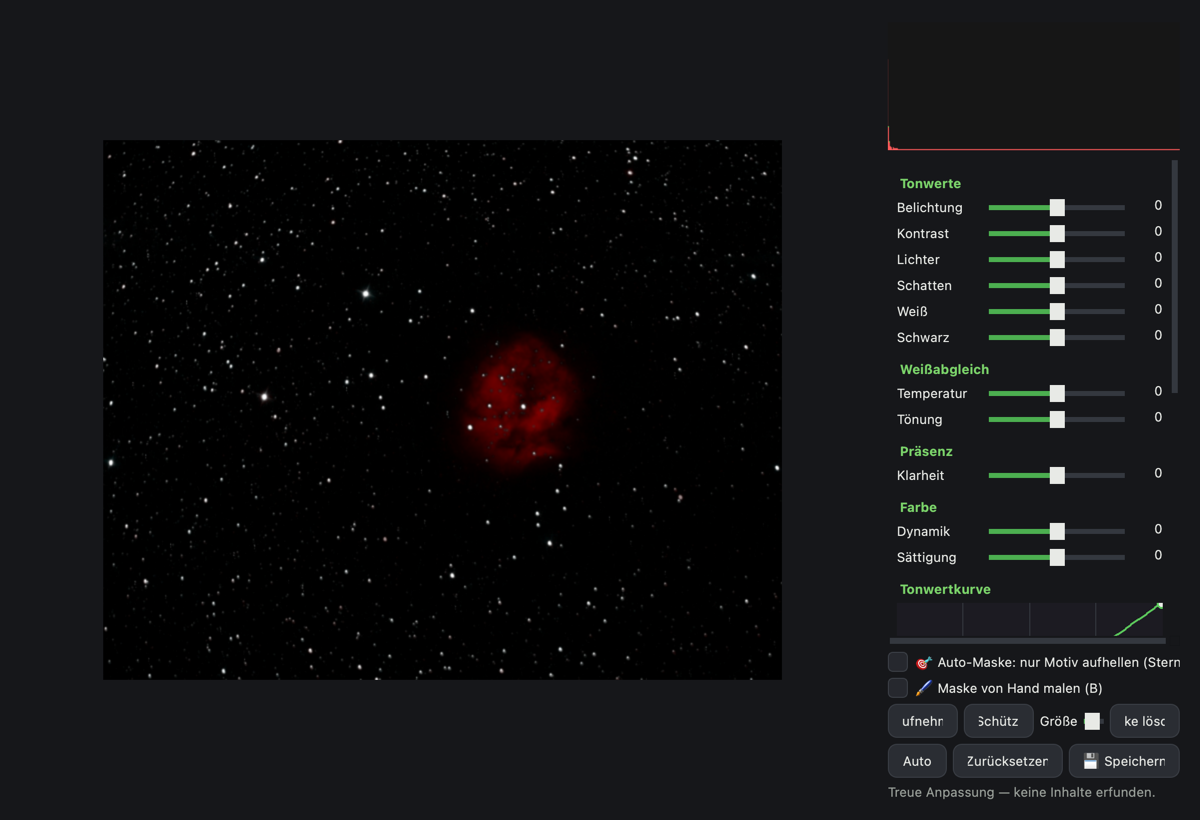
Clear buttons, a help “?” on every option, a simple Beginner mode, and a photo editor built right in. Click any picture to see it full size.
Real results
Actual photos stacked in ForgePix — straight from the app.
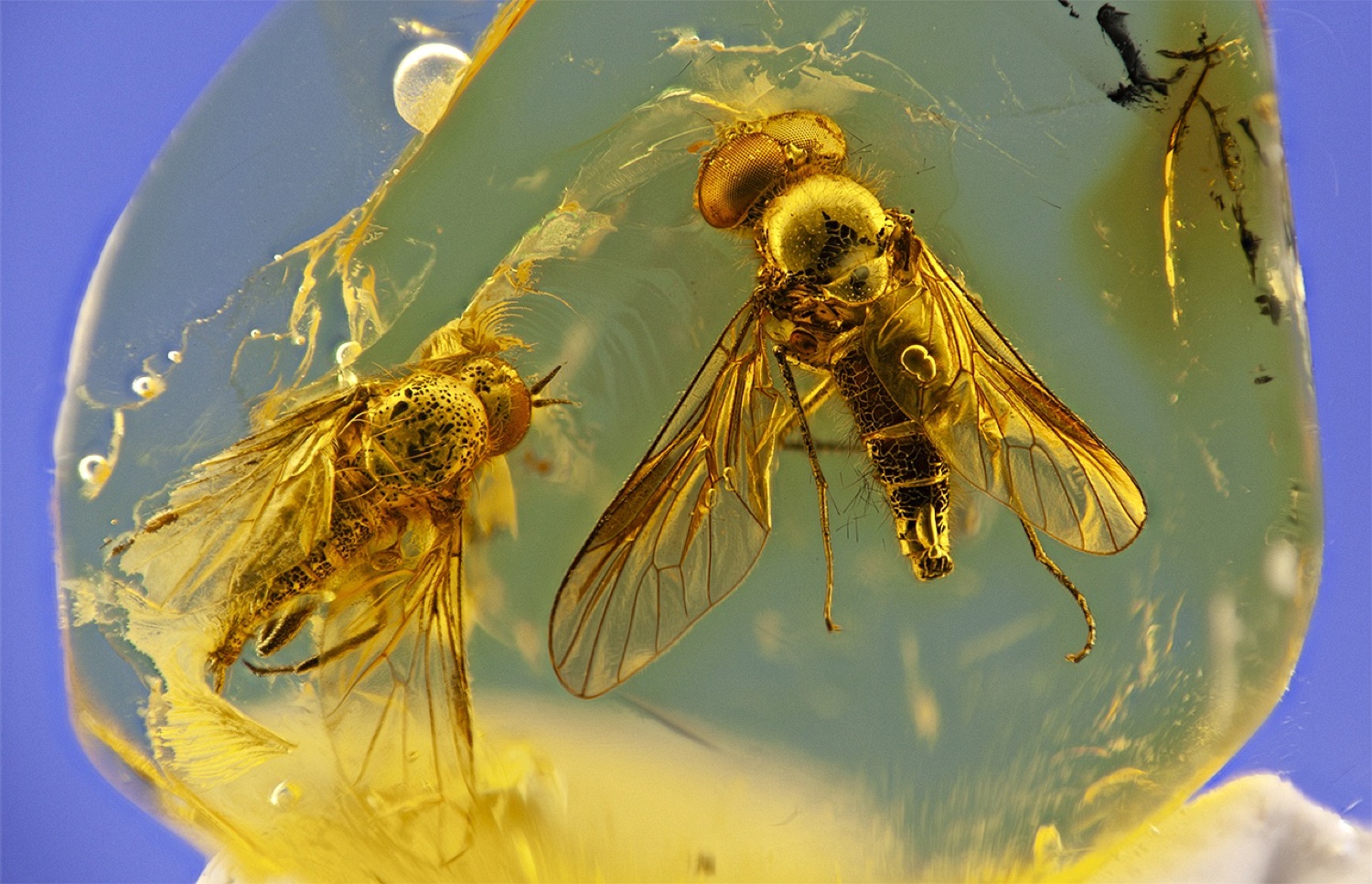
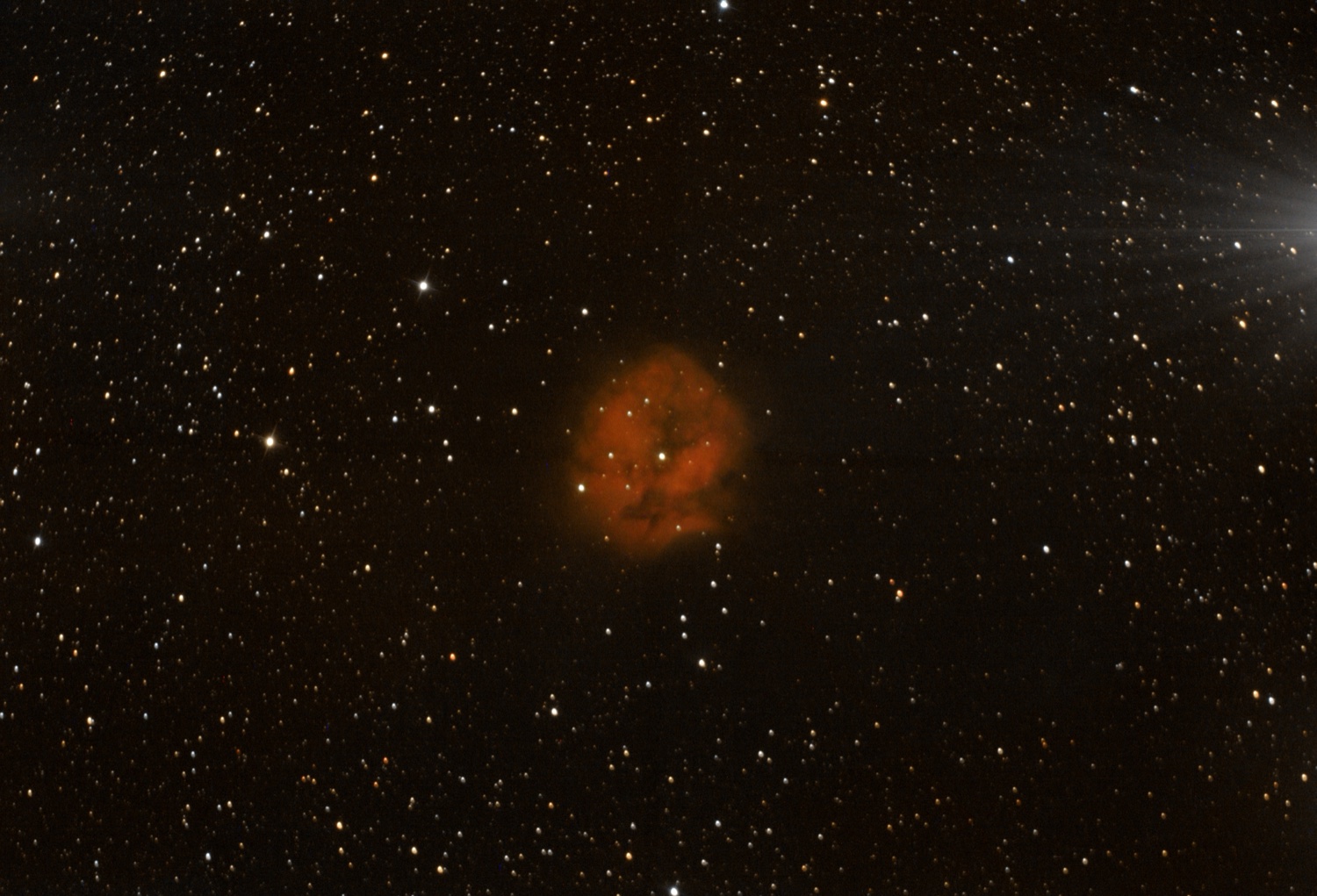
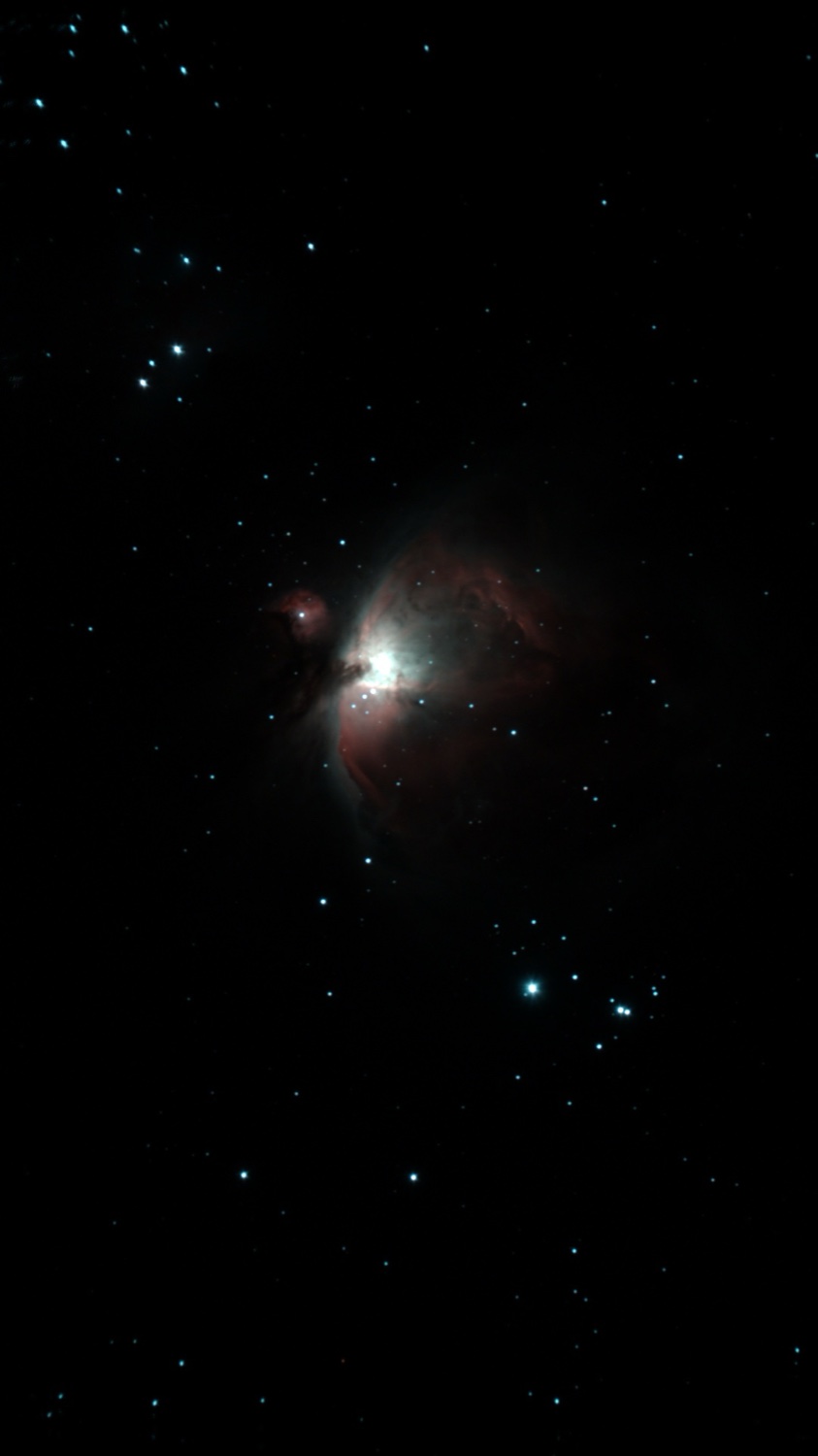
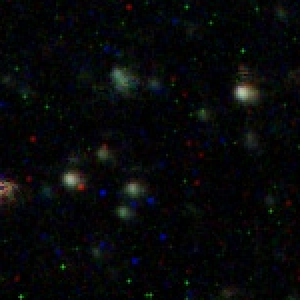
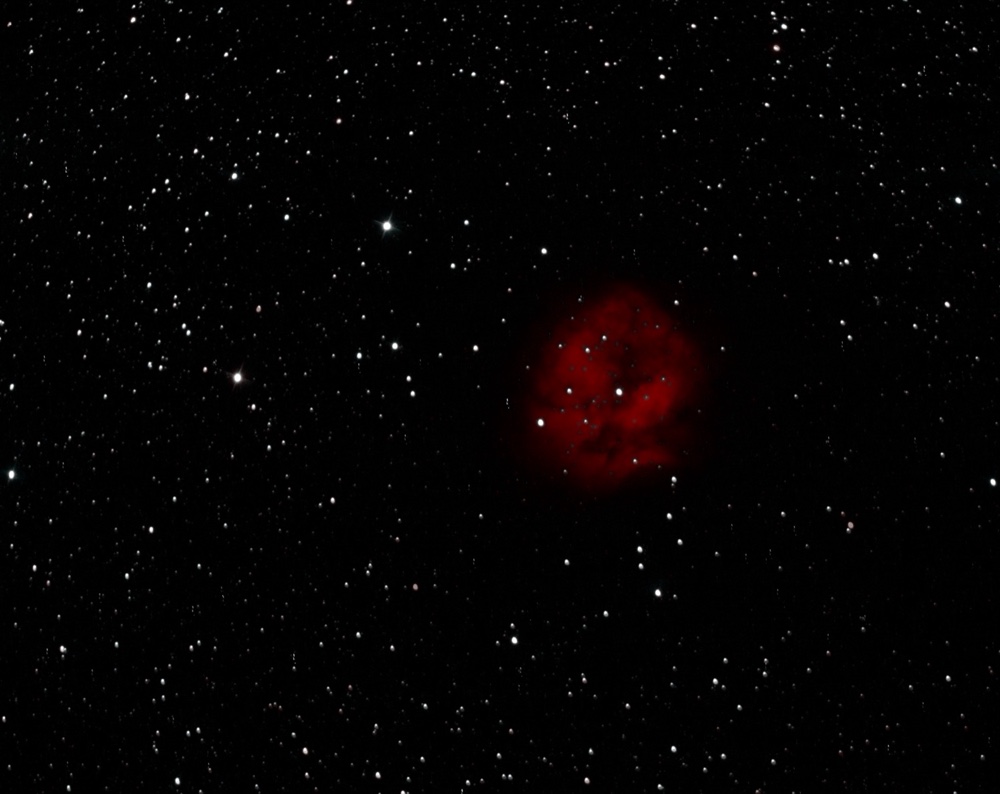
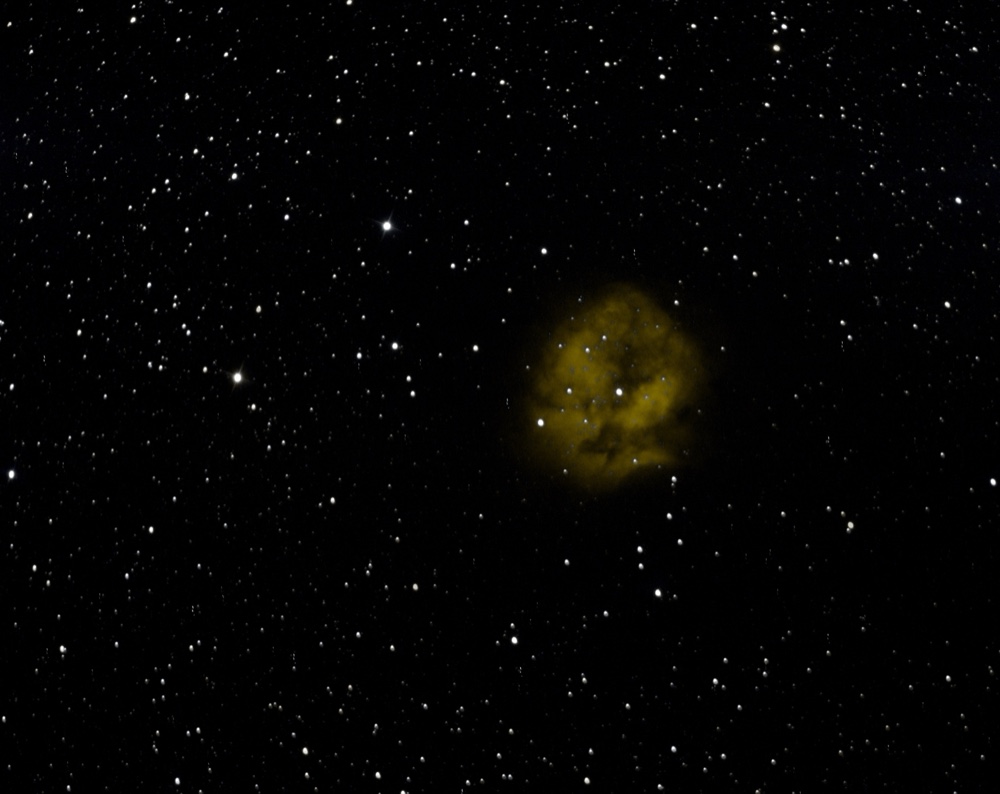
Switch the colour palette (HOO, SHO …) with one click — without re‑stacking.
What you get
ForgePix works completely offline. No account, no sign‑up, no internet, no AI needed — your photos never leave your computer.
ForgePix comes with four small AI models of its own — for noise, background, deblurring and star removal. They run locally, are still experimental and are switched off unless you turn them on. Everything else is classic, measurable image processing.
Get it
Always the latest version, straight from GitHub. Latest: checking…
 ForgePix